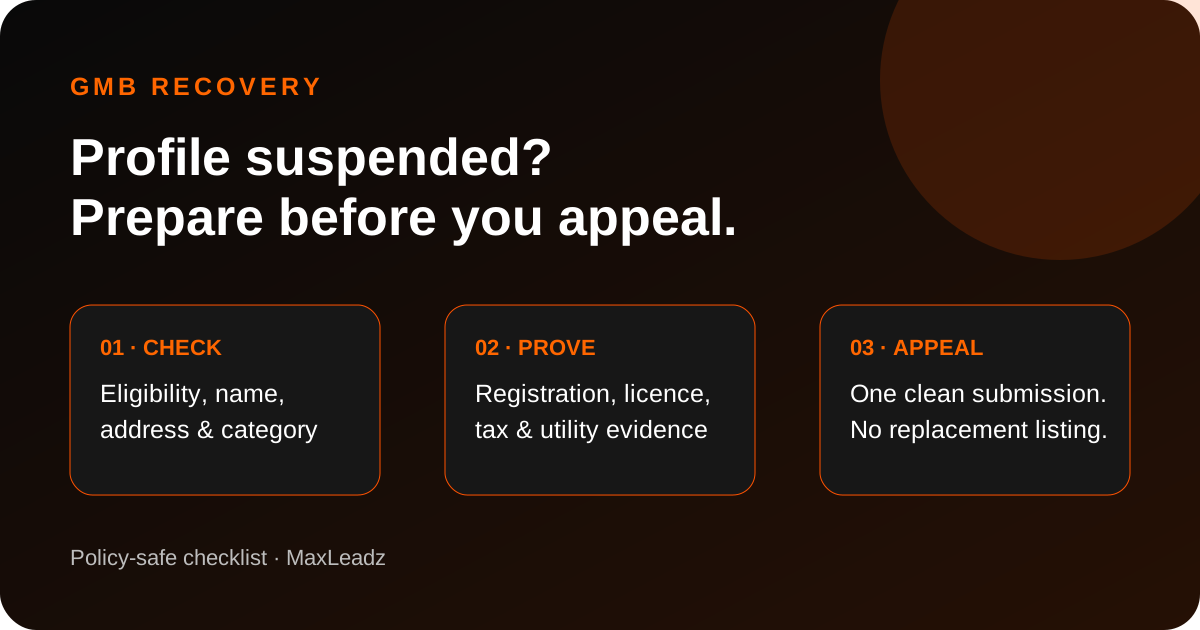
Quick answer: Do not create a replacement listing or rush into repeated edits. Confirm eligibility, make the profile match the real business, prepare documents whose name and address match the listing, and use Google’s official appeals tool.
A suspension can remove Maps visibility, calls and direction requests together. Recovery starts by finding the mismatch between the profile, the real-world business and Google’s rules—not by guessing.
Do these three things first
- Save the facts. Record the profile ID, suspension date, Google account, email notice and recent changes.
- Pause random edits. Do not keep changing the name, category, address or ownership.
- Check eligibility. Confirm the business meets customers in person or operates as an eligible service-area business.
Inspect the common risk areas
| Area | Risk | Safer correction |
|---|---|---|
| Name | Extra service or city keywords | Use the real customer-facing business name |
| Address | Virtual office, P.O. box or unstaffed location | Use an eligible real location or correctly hide a service-area address |
| Category | Popular but inaccurate category | Select the most accurate primary category |
| Duplicates | Multiple profiles for one business | Resolve duplicates instead of creating another listing |
| Account | Restricted owner account | Resolve account-level restrictions first |
Prepare evidence before opening the form
Google lists official business registration, licences, tax documents and business utility bills as useful evidence. The name and address should match the appealed profile. Its current help page says the optional evidence form must be submitted within 60 minutes after it opens, so prepare files first.
Submit one clean appeal
- Use the Google account connected to the affected profile.
- Open the official appeals tool and select the correct listing.
- Read the restriction reason and linked policy.
- Add focused evidence and a short factual explanation.
- Do not create a new profile while the appeal is under review.
Read Google’s official suspension appeal guide and policy overview.
If the appeal is denied
Read the decision and use an additional review only when you have relevant new evidence. If the profile is ineligible, fix the business setup instead of repeating appeals.
MaxLeadz can audit the profile, website and evidence before submission. This removes avoidable inconsistencies, but it cannot guarantee reinstatement because Google alone decides the appeal.
Related guides
FAQs
Should I create a new profile after suspension?
No. Google advises against creating a new profile for the same business while an appeal is under review.
What evidence helps?
Official registration, licences, tax certificates and business utility bills can help when details match.
Can anyone guarantee reinstatement?
No. Only Google decides the appeal.
Want the profile checked before you appeal?
MaxLeadz provides Google Business Profile suspension diagnosis, setup and management with a compliance-first audit.